



Description
Blackmagic Design DaVinci Resolve Micro Color Panel
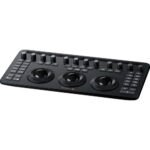
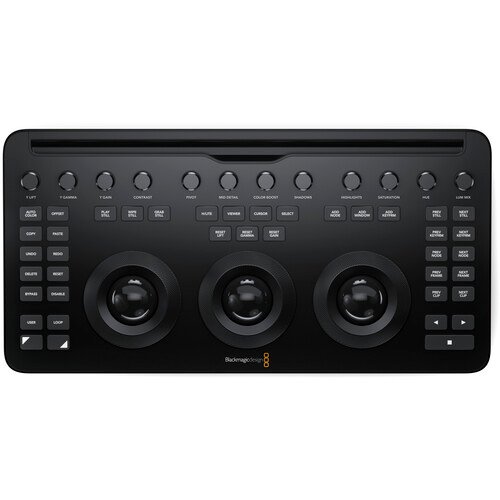
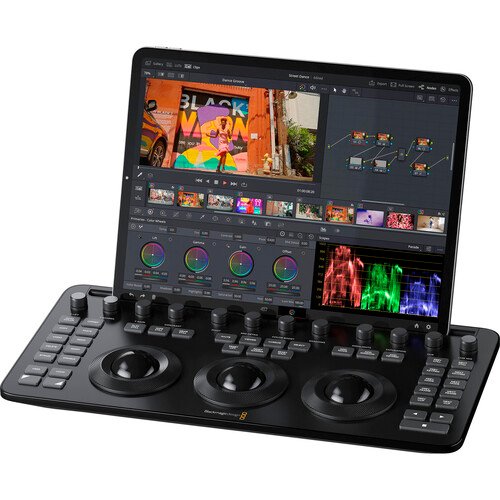
Pixon Media Trading introduces a professional, compact color correction panel that combines high-resolution color tracking, precise physical knobs, and wireless mobility in a portable design. Designed to work in tandem with your Apple iPad Pro, this panel is engineered to provide a faster workflow and more color to DaVinci Resolve Studio software than working just with a keyboard and mouse, offering a beginner-friendly interface with a professional level of control.
Professional Color Control Across Your Workflow
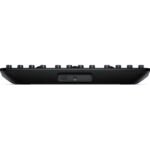
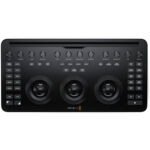
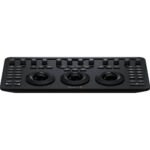
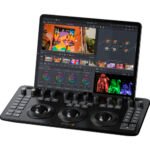
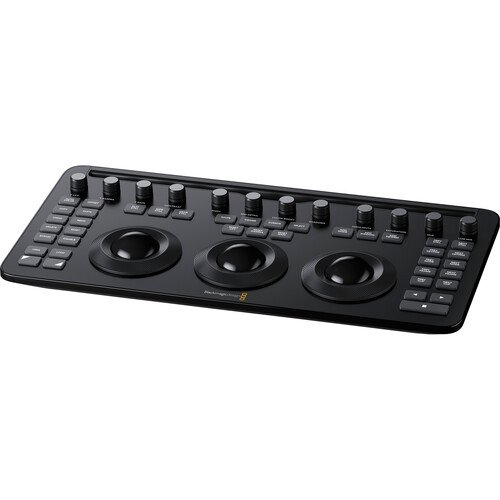
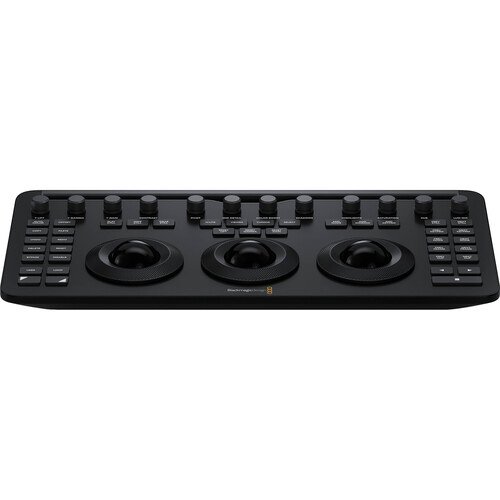
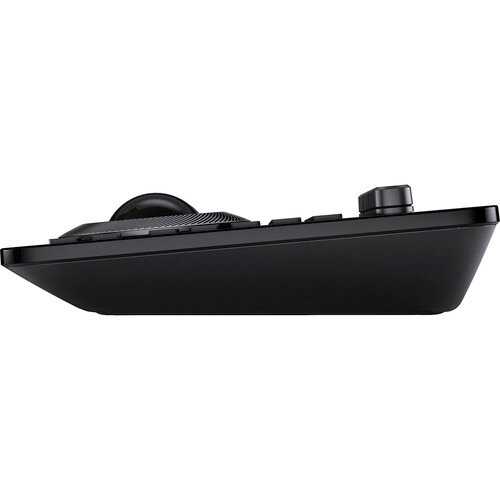
The panel features three high-resolution trackballs and 12 precision control knobs, allowing you to seamlessly adjust critical parameters. Not much larger than a standard keyboard, it includes a built-in slot to mount your iPad Pro, letting you use the tablet directly as your software display.
Full Layout Similarity with Advanced Panels
Designed for seamless muscle memory, the controls of the panel are located in similar places as the controls on the advanced versions. Operators can easily adjust the power window shape, size, position, and softness, or directly resize the input image from the hardware interface.
Primary Adjustment Controls
Derived from traditional color grading workflows, the twelve control knobs are grouped into four sets of three knobs to deliver:
- Y Lift Control: Adjusts image contrast specifically in the Y (luminance) channel darker areas, allowing you to modify the black point without changing saturation.
- Y Gamma Control: Adjusts contrast specifically in the mid-tone areas of the Y channel, helping to add depth and extra vibrancy to your shots.
- Y Gain Control: Adjusts contrast specifically in the highlight areas of the Y channel, letting you change the highlights without altering image saturation.
Detailed Contrast and Image Tuning
The specialized contrast section provides independent tactile controls to accurately shape the tonality of your footage, allowing operators to:
- Contrast Control: Increase contrast to make blacks darker and whites brighter, or decrease it to do the opposite.
- Pivot: Shift the center of tonality about which dark and bright parts of the image are stretched or narrowed during adjustments.
- Mid-Tone Detail: Affect contrast in regions with high edge detail to increase or decrease perceived sharpness, making it popular for softening facial features in beauty shots.
Advanced Image Detail Enhancement
Built for professional production environments, the secondary adjustment section incorporates specialized parameters for high dynamic range workflows, including:
- Color Boost Control: Selectively raise saturation in low-saturation regions while leaving properly saturated areas alone to add color without oversaturating.
- Shadow Control: Selectively lighten or darken specific shadow detail without affecting the image’s mid-tones.
- Highlight Control: Retrieve blown-out highlight detail in high dynamic range media by lowering this parameter to achieve a smooth, natural blend with unadjusted mid-tones.
Global Saturation and Hue Flexibility
The hardware layout features independent settings for broad image adjustments, meaning you can precisely alter the color profile of your media:
- Saturation: Universally increase or decrease overall image saturation, with the ability to turn a color image into a grayscale image.
- Hue Control: Rotate all image hues around a 360° color wheel, utilizing a default setting of 50 to retain the original distribution of hues.
- Luminance Mix Control: Control the exact balance between YRGB adjustments and Y-only adjustments made via the Y channel lift, gamma, and gain controls.
Internal Battery and Power Compatibility
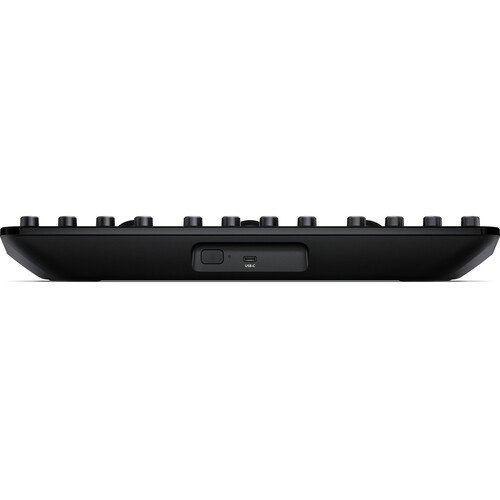
The panel runs on an internal battery, making it highly portable for on-the-go grading. It can also operate and charge via USB-C power, ensuring it remains continuously powered during demanding studio sessions.
Wired and Wireless Connectivity
The panel features a dual-connection design to support flexible, fully mobile setups:
- USB-C connection to link directly to your personal computer or iPad.
- Wireless Bluetooth connectivity to pair with your iPad or computer for a completely wireless experience.
Important Software Configuration Notice
Please note that while this unit delivers comprehensive hardware control for DaVinci Resolve Studio software, it does not include a DaVinci Resolve License.
Professional Color Grading Solution
Combining a compact keyboard-sized footprint, three high-resolution trackballs, 12 primary adjustment knobs, and flexible Bluetooth or USB-C connectivity, this portable powerhouse delivers exceptional versatility for modern editing workflows—Offered by Pixon Media Trading, making it a powerful choice for professional productions.
Reviews
There are no reviews yet.